Activate access
Congratulations!
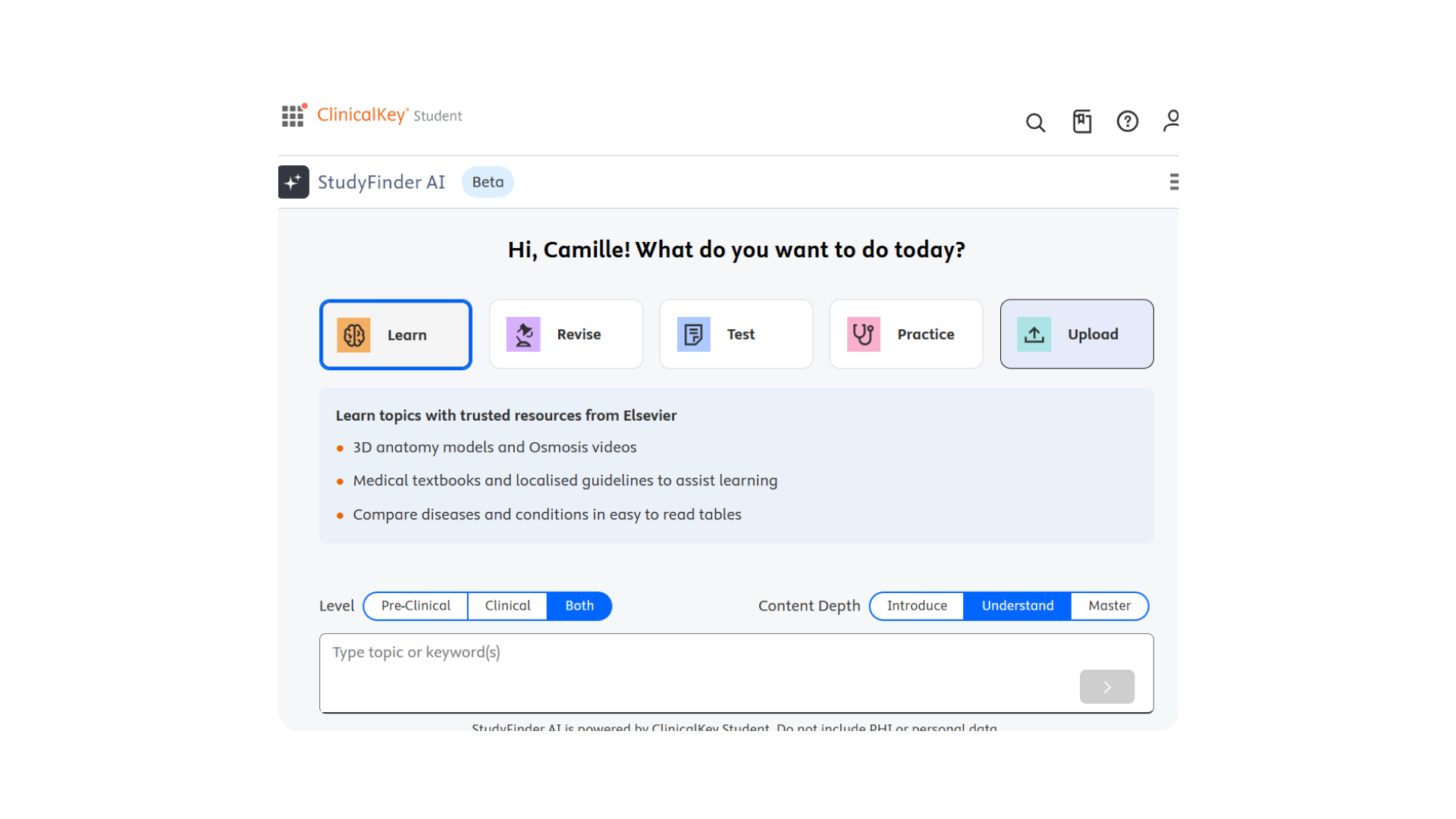
{{nom_institucio}} provides you with access to ClinicalKey Student, which now includes StudyFinder AI!
StudyFinder AI uses your search query and surfaces evidence-based content you can trust, helping you find the most relevant multi-modal study resources: fast, accurate, and easy to use.
Ready to boost your productivity?
Follow these steps to Access StudyFinder AI Today!
- Connect to your university Wi-Fi network
- Click this link to begin
- Look for a green bar at the top of the page to indicate a recognized connection
- Click on “New user? Register here”
- Enter your name, university email address, create a password, and click register
- Choose from the dropdown menu that you are a student and what year you are in school